

Library
-
ThemeEngine
Give your AWT site a look that feels like yours. Explore installed themes, personalize their layouts, and preview your changes before choosing the design your visitors will see. ThemeEngine brings theme management into one familiar dashboard, with each theme's configuration ready whenever you need it. See your next design before you switch Browse visual theme cards, open a design that interests you, and explore its pages in a live preview. Review its author, version, compatibility, and dependencies alongside the design. Try desktop, tablet, and mobile preview sizes, or open a separate window for a larger view. You can explore an inactive theme while your site continues using its current theme. Make room for what matters Choose which headers, footers, and sidebars appear across a theme, then tailor individual pages where needed. Adjust the options the theme provides, such as text and colors, from straightforward settings forms. Each theme keeps its own saved configuration. Prepare a new look ahead of time and activate it when you are ready. Keep your favorite configurations Save presets of a theme's settings and layout, then return to them when you want. Applying a preset restores that theme's saved configuration without activating it. Clear unsaved-change messages put Save buttons within reach. Browser reminders help protect pending edits, and the Help tab explains common tasks with links to the relevant controls. A dashboard that feels familiar Responsive cards, readable forms, restrained icons, and light and dark appearance support keep the interface comfortable across screen sizes. Theme details and editing tabs stay together, so you always know which theme you are working on.
Downloads: 6

Charts
Trending
View all-

URPC
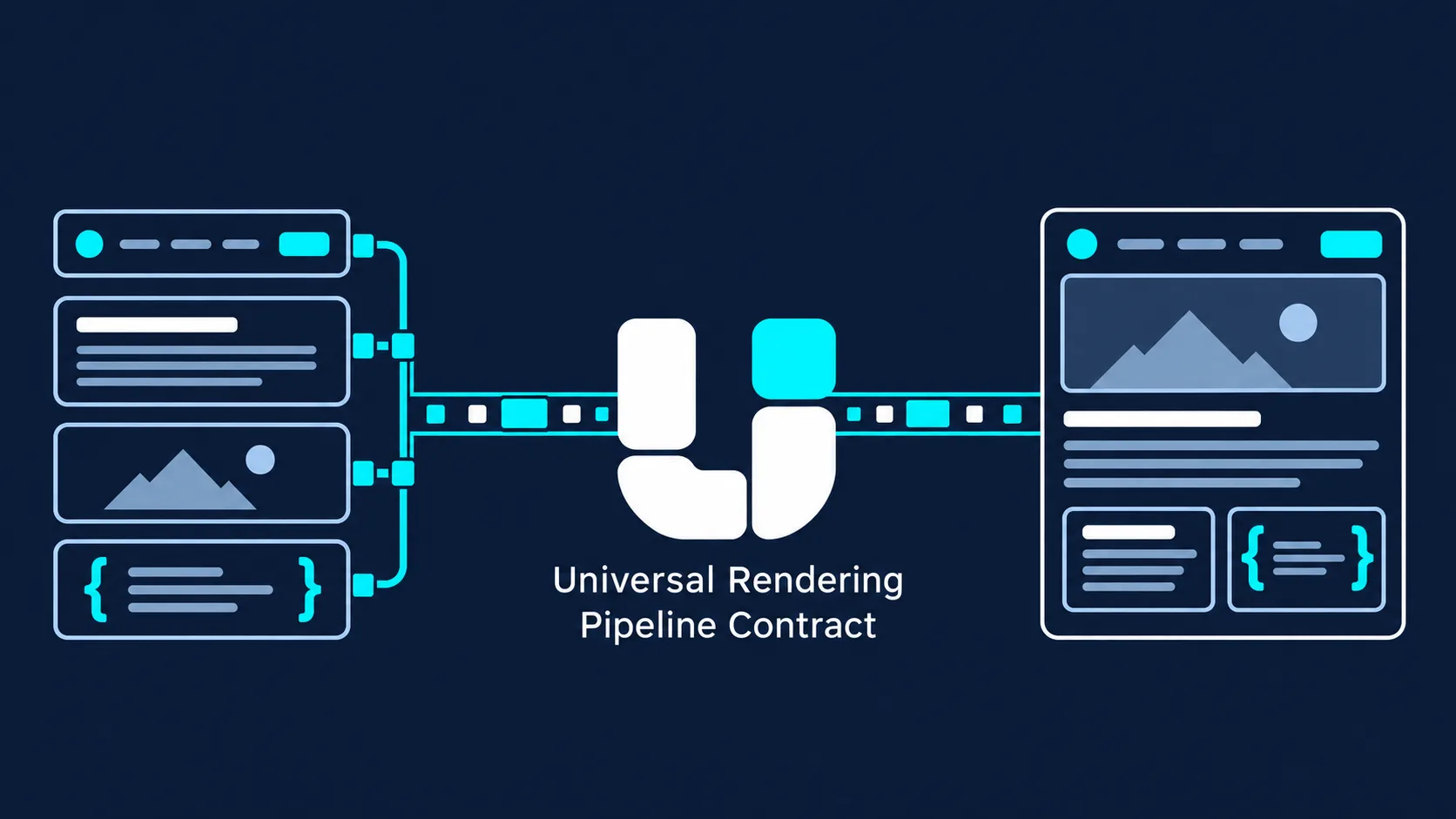
URPC is an AWT library for composing structured blocks into HTML. Other packages select content and sections. URPC does not infer routes, sections or page content from filenames.
Downloads: 15
-
ThemeEngine
Give your AWT site a look that feels like yours. Explore installed themes, personalize their layouts, and preview your changes before choosing the design your visitors will see. ThemeEngine brings theme management into one familiar dashboard, with each theme's configuration ready whenever you need it. See your next design before you switch Browse visual theme cards, open a design that interests you, and explore its pages in a live preview. Review its author, version, compatibility, and dependencies alongside the design. Try desktop, tablet, and mobile preview sizes, or open a separate window for a larger view. You can explore an inactive theme while your site continues using its current theme. Make room for what matters Choose which headers, footers, and sidebars appear across a theme, then tailor individual pages where needed. Adjust the options the theme provides, such as text and colors, from straightforward settings forms. Each theme keeps its own saved configuration. Prepare a new look ahead of time and activate it when you are ready. Keep your favorite configurations Save presets of a theme's settings and layout, then return to them when you want. Applying a preset restores that theme's saved configuration without activating it. Clear unsaved-change messages put Save buttons within reach. Browser reminders help protect pending edits, and the Help tab explains common tasks with links to the relevant controls. A dashboard that feels familiar Responsive cards, readable forms, restrained icons, and light and dark appearance support keep the interface comfortable across screen sizes. Theme details and editing tabs stay together, so you always know which theme you are working on.
Downloads: 6
Top rated
Nothing here yet.
Most downloaded
View all-
URPC
URPC is an AWT library for composing structured blocks into HTML. Other packages select content and sections. URPC does not infer routes, sections or page content from filenames.
Downloads: 15
-
ThemeEngine
Give your AWT site a look that feels like yours. Explore installed themes, personalize their layouts, and preview your changes before choosing the design your visitors will see. ThemeEngine brings theme management into one familiar dashboard, with each theme's configuration ready whenever you need it. See your next design before you switch Browse visual theme cards, open a design that interests you, and explore its pages in a live preview. Review its author, version, compatibility, and dependencies alongside the design. Try desktop, tablet, and mobile preview sizes, or open a separate window for a larger view. You can explore an inactive theme while your site continues using its current theme. Make room for what matters Choose which headers, footers, and sidebars appear across a theme, then tailor individual pages where needed. Adjust the options the theme provides, such as text and colors, from straightforward settings forms. Each theme keeps its own saved configuration. Prepare a new look ahead of time and activate it when you are ready. Keep your favorite configurations Save presets of a theme's settings and layout, then return to them when you want. Applying a preset restores that theme's saved configuration without activating it. Clear unsaved-change messages put Save buttons within reach. Browser reminders help protect pending edits, and the Help tab explains common tasks with links to the relevant controls. A dashboard that feels familiar Responsive cards, readable forms, restrained icons, and light and dark appearance support keep the interface comfortable across screen sizes. Theme details and editing tabs stay together, so you always know which theme you are working on.
Downloads: 6